01
Set the job and the bar.
Define the deliverable and the acceptance criteria. Go local-only if the work has to stay on your box.
One brief in. Local models race it all night. You keep the result that clears your bar.
Three chat models, an embedder and a media server, all resident. Real working-day numbers, with other GPU jobs sharing the box.
Inspect the full hardware cardQwen2.5-Coder-32B, Qwen3.8-27B and Muse-Glimmer-30B. Q4_K_M / UD-Q4_K_XL weights; q8_0 KV cache. Context windows: 32K, 16K and 131K. llama.cpp 0865990, one server per lane.
Single-lane decode: 6.2 to 7.7 tokens/sec. Three concurrent lanes: 2.6 to 3.8 each, 9.7 aggregate. Time to first token: 0.9 to 1.9 seconds at about 0.8K prompt tokens; 5.5 to 13.7 seconds at 3K to 6K.
DGX OS 7.2.3, Ubuntu 24.04, driver 580.173.02. Two other GPU tenants were resident and the GPU was about one-third busy. Your model mix and workload will change these figures.
A brief, a few local lanes and a clear bar for what gets kept.
Define the deliverable and the acceptance criteria. Go local-only if the work has to stay on your box.
Models try different approaches in parallel. Nightshift clusters the attempts and checks them against the brief.
Preview the output, read the evidence and download the files.
Drawn at random from the Nightshift archive, and they change as you watch. Click any one to open it.
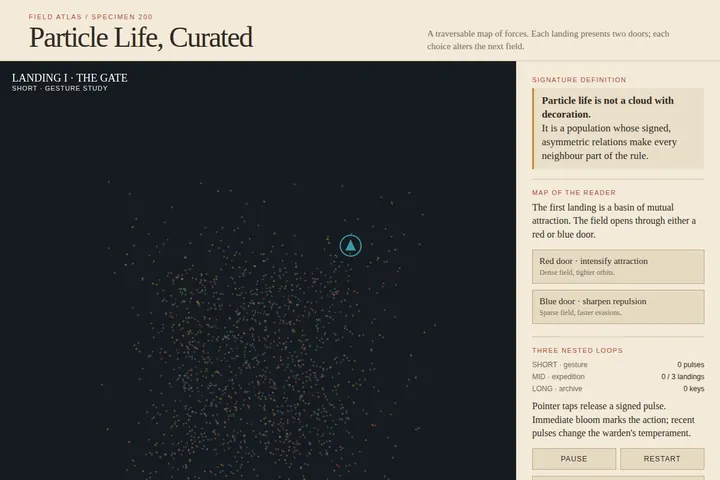 Atlas of particle life.INTERACTIVE · HTML · ATTEMPT 194 Opens in a new tabLIVE HTML
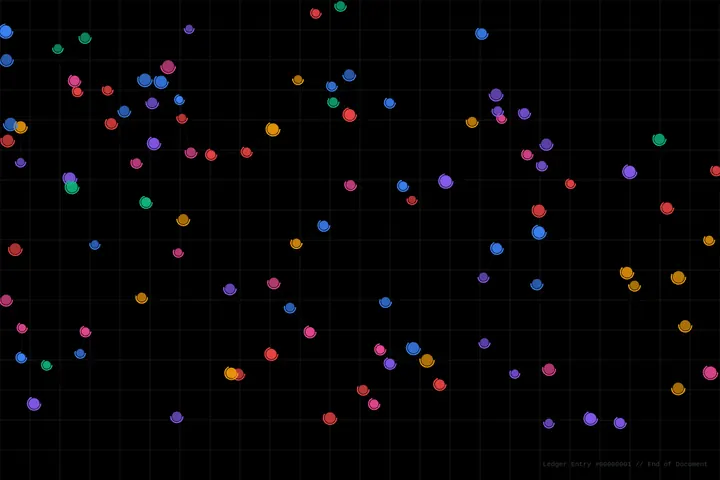 Color on a grid.LIVE SIMULATION · HTML Opens in a new tab
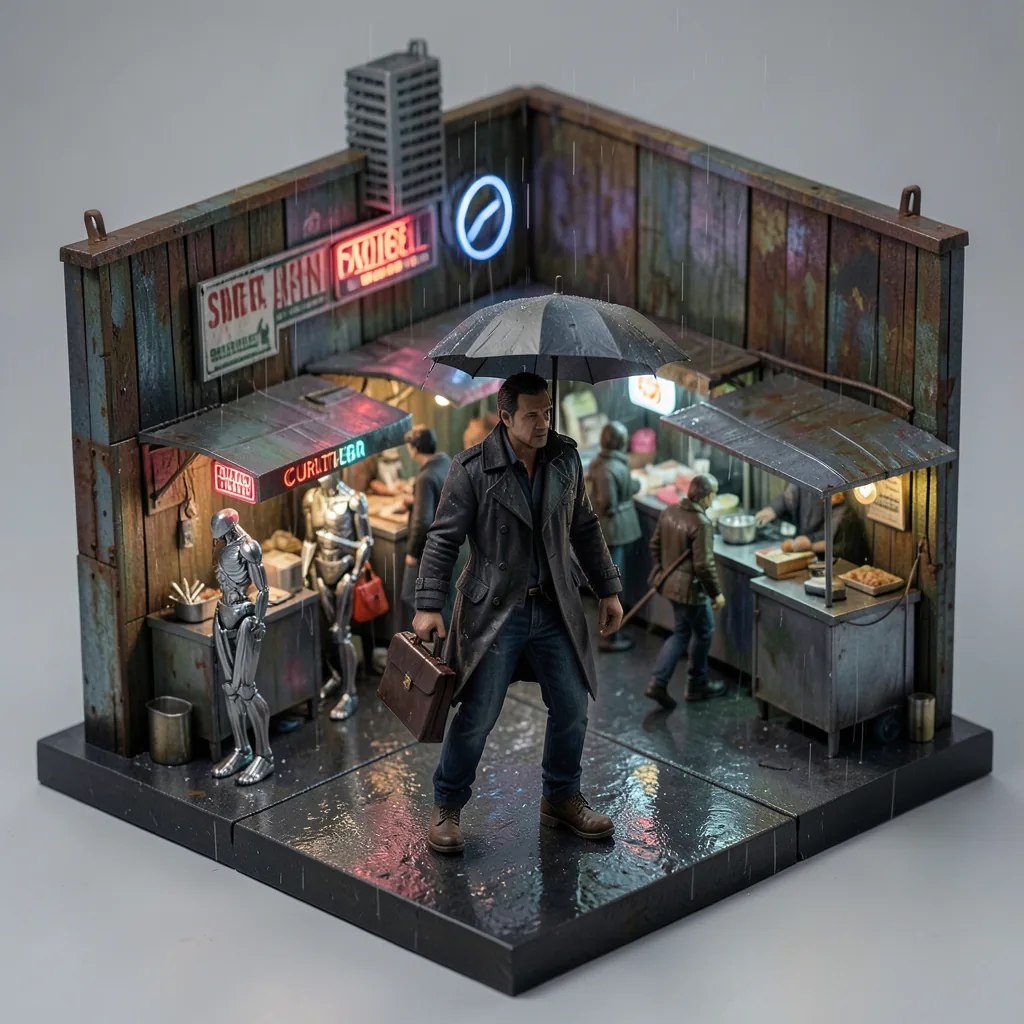 A rainy market, boxed.GENERATED STILL · PNG Opens in a new tab
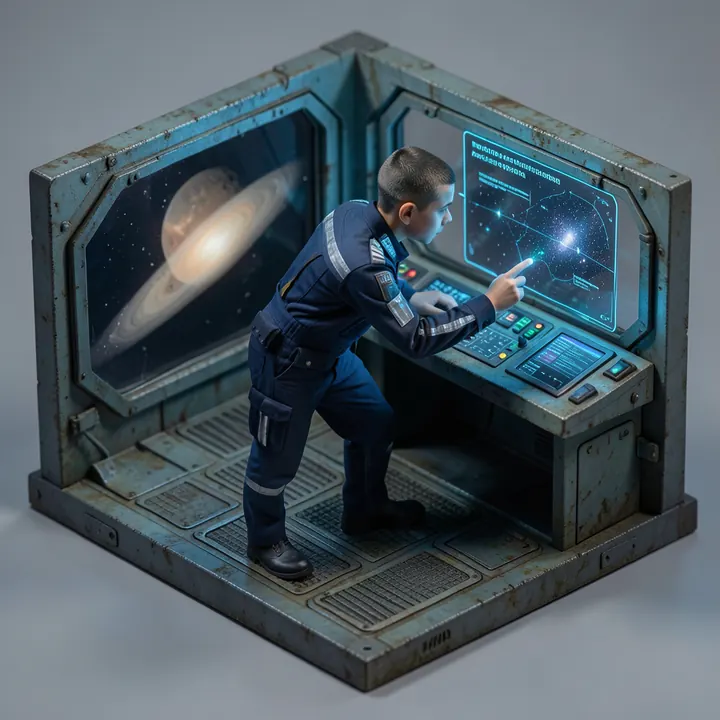
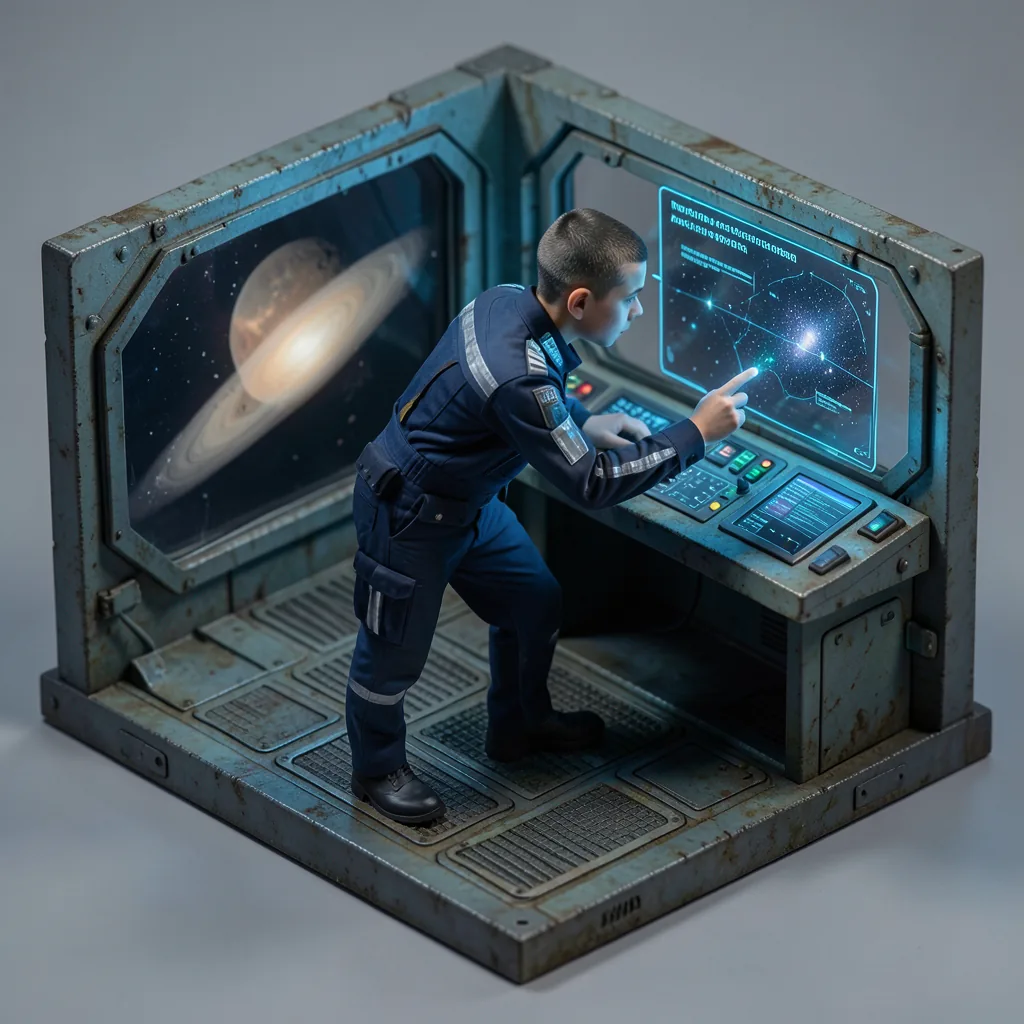 The command bridge, in miniature.GENERATED STILL · PNG Opens in a new tab
From separate archive jobs, not the hardware-card run. These examples are not performance measurements.
Most local AI runs one hand-wired model stack. Changing it costs days, so it rarely changes. Nightshift ships with Fleets: ready-made model crews you swap in one click.
Every change means
One Spark is measured. Two to four are projected from it: each box runs its own three lanes, and linked memory holds much bigger models.
| Setup | Biggest modelthat fits in memory | ConcurrencyNightshift lanes at once | Tokens / secwriting, per lane | Prefill timereading a prompt | Overnight throughputone 5h 15m night |
|---|---|---|---|---|---|
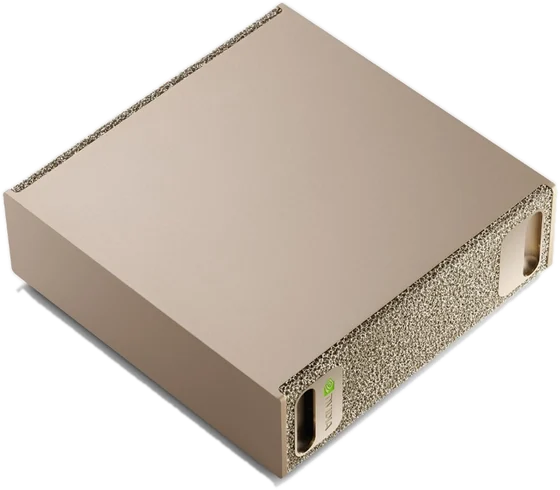 DGX SparkGB10 · one box128 GB · 273 GB/s per boxMeasured · Sep 17 DGX SparkGB10 · one box128 GB · 273 GB/s per boxMeasured · Sep 17 | 120BMoEe.g. gpt-oss-120b ≈ 37.6 tok/s on its own | 3lanes3 per box · 32B coder, 27B vision, 30B judge | 6.2–7.7tok/sone 32B coder lane · 9.7 combined with all 3 running | 12.3–13.7sto read a 6K-token prompt · 424–596 tok/s | ≈ 130attempts183K tokens in 5h 15m · measured |
| 2 × DGX Spark2 boxes linked over ConnectX-7256 GB pooled · 273 GB/s per boxProjected | 235BMoEe.g. Qwen3-235B-A22B ≈ 9.3 tok/s on its own, split across 2 boxes | 6lanes3 per box · 32B coder, 27B vision, 30B judge | 6.2–7.7tok/sone 32B coder lane · 19.4 combined with all 6 running | 12.3–13.7sto read a 6K-token prompt · 424–596 tok/s | ≈ 260attempts367K tokens in 5h 15m · 2.0× one Spark |
| 3 × DGX Spark3 boxes linked over ConnectX-7384 GB pooled · 273 GB/s per boxProjected | 235BMoEe.g. Qwen3-235B-A22B ≈ 9.3 tok/s on its own, split across 3 boxes | 9lanes3 per box · 32B coder, 27B vision, 30B judge | 6.2–7.7tok/sone 32B coder lane · 29.1 combined with all 9 running | 12.3–13.7sto read a 6K-token prompt · 424–596 tok/s | ≈ 390attempts550K tokens in 5h 15m · 3.0× one Spark |
| 4 × DGX Spark4 boxes linked over ConnectX-7512 GB pooled · 273 GB/s per boxProjected | 671BMoEe.g. DeepSeek-V3.1 ≈ 5.6 tok/s on its own, split across 4 boxes | 12lanes3 per box · 32B coder, 27B vision, 30B judge | 6.2–7.7tok/sone 32B coder lane · 38.8 combined with all 12 running | 12.3–13.7sto read a 6K-token prompt · 424–596 tok/s | ≈ 520attempts733K tokens in 5h 15m · 4.0× one Spark |
Only the single-Spark row is measured (September 17, 2026, with other GPU jobs sharing the box). The linked rows are projections from it; we have not measured them yet.
Concurrency, tokens / sec and overnight throughput assume every Spark runs its own three measured lanes, so a night scales with the number of boxes. Prefill is per lane and does not change. Throughput counts landed attempts: the measured night dispatched 202 and 130 landed.
Biggest model is the largest open model class whose Q4 weights and a 32K context fit in about 120 GB usable per box. A model larger than one box is split across the linked boxes. Every token still passes through each box, so it writes at single-box speed, less about 10% for the link.
Check NVIDIA’s current guidance before linking more than two Sparks.
Yes. Use “Get Nightshift for DGX”, leave an email, and you get the one-line install (curl -fsSL https://meterless.ai/Nightshift/DGX/install.sh | sh) and the setup AppImage. It works the same over SSH.
One accepted outcome for a single-file web-app job, with 3/3 artifacts verified. The 5 hour 15 minute run dispatched 202 attempts and 130 landed. These are attempts at one brief, not 130 finished projects.
The measured run had zero cloud escalations and $0 cloud spend. Choose local-only and run local models for that setup. Power consumption and hardware amortization were not measured.
No. The card documents the models used for this measurement. Your model choice, context size and other workloads decide how many lanes fit and how fast they run.